Your AVOXI support portal is designed to provide a fast and direct way of getting answers to any open or pending cases. Through a self-service portal, the highly efficient tool allows Admins or users granted the required permission to quickly open a support case within your online portal while providing complete visibility to all cases via an easy-to-view dashboard, with the ability to add comments and upload supporting documents or attachments removing the for follow-up emails or phone calls.
Use our easy-to-follow step-by-step guide to learn more about the Portal Dashboard and how to create a case.
Alternatively, you can contact our Support Team via Chat or our AVOXI technical support line.
- +1 (678) 581-8358 or our Toll-Free number on 1-833 GENIUS (436-4870)
-
Please have the following information ready:
- Your name
- The company name or account ID
- The best contact number or email address to reach you
- Referencing case numbers (if applicable)
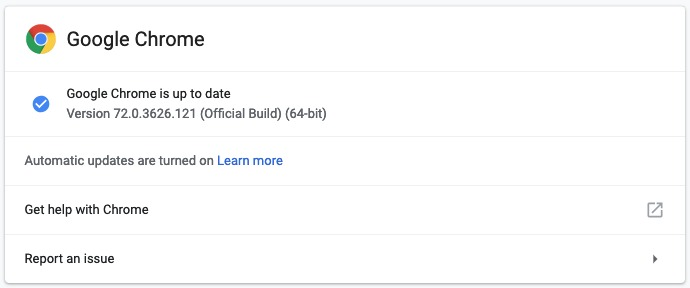
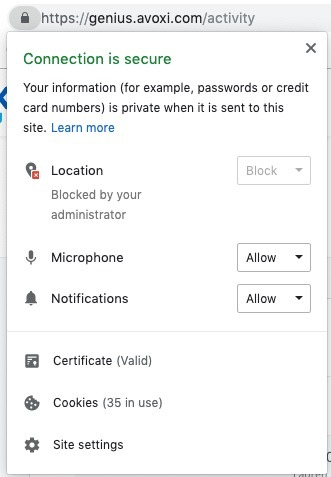
- If this is your first time contacting your Genius Support team, please double-check your system requirements before reaching out. This includes using the Chrome browser and ensuring you've allowed your microphone.